VPN Compared to Private Browsing: Which Is Safer?
A private browser window can feel like a clean exit. You close the tab, the history disappears from the device, and the session is gone. But on public Wi-Fi, a work network, or a hotel connection, that clean exit does not stop the network from seeing where your traffic goes. For anyone serious about digital independence, VPN compared to private browsing is not a close contest - the two tools solve very different problems.
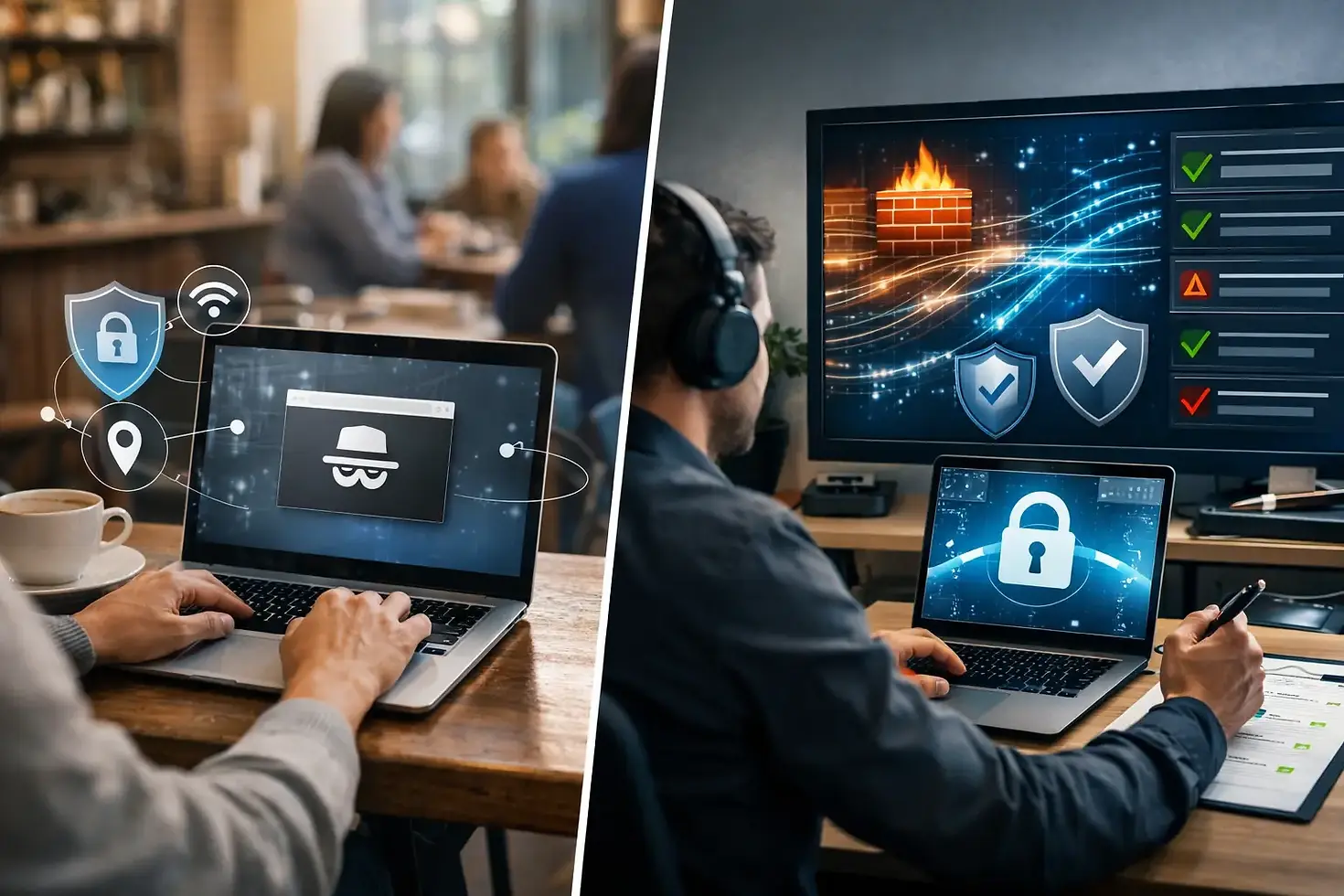
Private browsing controls what remains on your device after a session. A VPN protects the connection while that session is happening. One is useful for local privacy. The other is built for encrypted access, IP protection, and greater control over who can observe your online activity.
VPN Compared to Private Browsing: The Core Difference
Private browsing, often called Incognito Mode or Private Mode, tells your browser not to retain certain session data after you close its private windows. It generally does not save browsing history, session cookies, or form entries to the browser profile. That is valuable when you share a computer, borrow a device, or want to sign in to a separate account without mixing sessions.
A VPN works outside the browser. It creates an encrypted tunnel between your device and a VPN server. Your internet provider, local network administrator, and others watching the Wi-Fi connection see encrypted traffic rather than a plain view of the sites and services you access. Websites see the VPN server's IP address instead of your normal public IP address.
That distinction matters. Private browsing is a local cleanup tool. A VPN is a connection protection tool. Opening a private window does not encrypt your traffic, hide your IP address, or prevent a network owner from seeing that your device is communicating with online services.
What Private Browsing Actually Protects
Private mode has a clear purpose, and it should not be dismissed. It can prevent the next person using your device from seeing the pages you visited in the browser history. It can also isolate temporary cookies, which helps when you need to use two accounts in the same service or test how a site behaves for a new visitor.
Its protection ends at the device boundary. Your internet provider can still associate your connection with activity leaving your home network. A school, employer, airport, or coffee shop running the network can still observe connection metadata. The websites you visit can still log your IP address, browser details, and activity on their platform.
Private browsing also does not make downloads vanish. Files you download, bookmarks you create, and information you intentionally save remain on the device. If you log into a social platform, shopping account, or email account, that service knows it is you. Private mode may keep the session out of browser history, but it does not erase the account activity from the service's records.
What a VPN Adds to Your Protection
A quality VPN changes the route your traffic takes before it reaches the wider internet. It encrypts data in transit between your device and the VPN server, helping protect it from interception on untrusted networks. This is especially relevant when you are checking email in an airport, working from a hotel, or streaming through shared Wi-Fi.
The VPN server also replaces your visible public IP address. Rather than exposing the IP assigned by your home provider or mobile network, websites receive an IP associated with the server location you selected. That can reduce direct IP-based tracking and allow access to services or content available from that server region, subject to the service's rules and applicable law.
A VPN is not magic invisibility. The provider you choose becomes part of your trust model because it handles your encrypted traffic before sending it onward. That is why privacy policies, no-logs practices, encryption standards, leak prevention, and kill switch protection deserve more attention than a flashy server count alone.
For users who need practical, cross-device protection, BEX VPN combines AES-256 encryption, IP leak protection, a kill switch, and a global server network to help keep everyday connections private and controlled.
Where Each Tool Falls Short
Neither private browsing nor a VPN can erase every signal tied to your online identity. The strongest privacy habits come from knowing what each layer can and cannot do.
Private mode does not hide your network identity
Without a VPN, your normal IP address remains visible to websites and online services. Your network may also see the domains you connect to or other connection details, depending on the service, device, and encryption in use. HTTPS protects the content exchanged with secure websites, but it does not turn private mode into network-level anonymity.
A VPN does not make logged-in activity anonymous
If you sign into your bank, email, social account, or shopping profile, that platform can connect activity to your account. A VPN conceals your original IP from the destination, but it cannot prevent a service from recognizing credentials you provide willingly.
Browser fingerprinting can also identify patterns in your device configuration, browser version, screen size, language settings, extensions, and behavior. A VPN reduces one major identifier, your IP address, but it is not a replacement for careful browser privacy settings.
Free tools can introduce new risks
A free VPN may be tempting, especially for occasional use. But operating secure global infrastructure costs money. Some free services limit data severely, inject advertising, collect extensive usage information, or offer unclear privacy practices. The real question is not simply whether a VPN is free. It is what the provider receives in exchange for operating the service.
When to Use Private Browsing, a VPN, or Both
Use private browsing when the priority is keeping a local session separate. It is a practical choice when you share a household computer, want to prevent saved history from appearing in the browser, or need a temporary sign-in that will not mix with your primary session.
Use a VPN when the priority is protecting the connection itself. Turn it on when using public Wi-Fi, traveling, accessing the internet from networks you do not control, or when you want to limit exposure of your home IP address. It is also useful for remote workers who need an added privacy layer outside the office.
Use both when you want local session separation and encrypted network traffic. For example, a traveler using a hotel laptop may open a private window to avoid leaving browser history behind while keeping the VPN active to protect traffic on the hotel's network. The tools complement each other because they cover different exposure points.
A Better Privacy Setup Than Either Tool Alone
Privacy is strongest when it is built in layers, not treated as a single switch. Keep your operating system and browser updated, use unique passwords stored in a reputable password manager, and enable multi-factor authentication on accounts that support it. Review browser extensions carefully because unnecessary extensions can collect data or increase fingerprinting exposure.
On a VPN, enable the kill switch if it is available. This feature blocks internet traffic if the VPN connection drops unexpectedly, helping prevent your real IP address from leaking during a reconnect. Check for DNS and IP leak protection as well. Encryption is only useful if traffic does not escape around the protected tunnel.
Choose server locations with purpose. A nearby server may deliver better speed for ordinary browsing, calls, and gaming. A server in another region may be useful when you need a different IP location. The best choice depends on whether your priority is performance, location access, or added distance from your normal network identity.
The Privacy Decision That Fits Real Life
Private browsing is worth using, but it should never be mistaken for complete privacy. It clears traces from the browser profile, not from the networks, providers, websites, and account systems involved in your session. A VPN provides the stronger defense when your concern is surveillance on public Wi-Fi, IP exposure, or unsecured network traffic.
The practical move is simple: use private browsing to control what stays on your device, and use a trusted VPN to protect what leaves it. Before connecting to the next unfamiliar network, decide who should be able to see your connection - then make sure your tools enforce that choice.



Comments