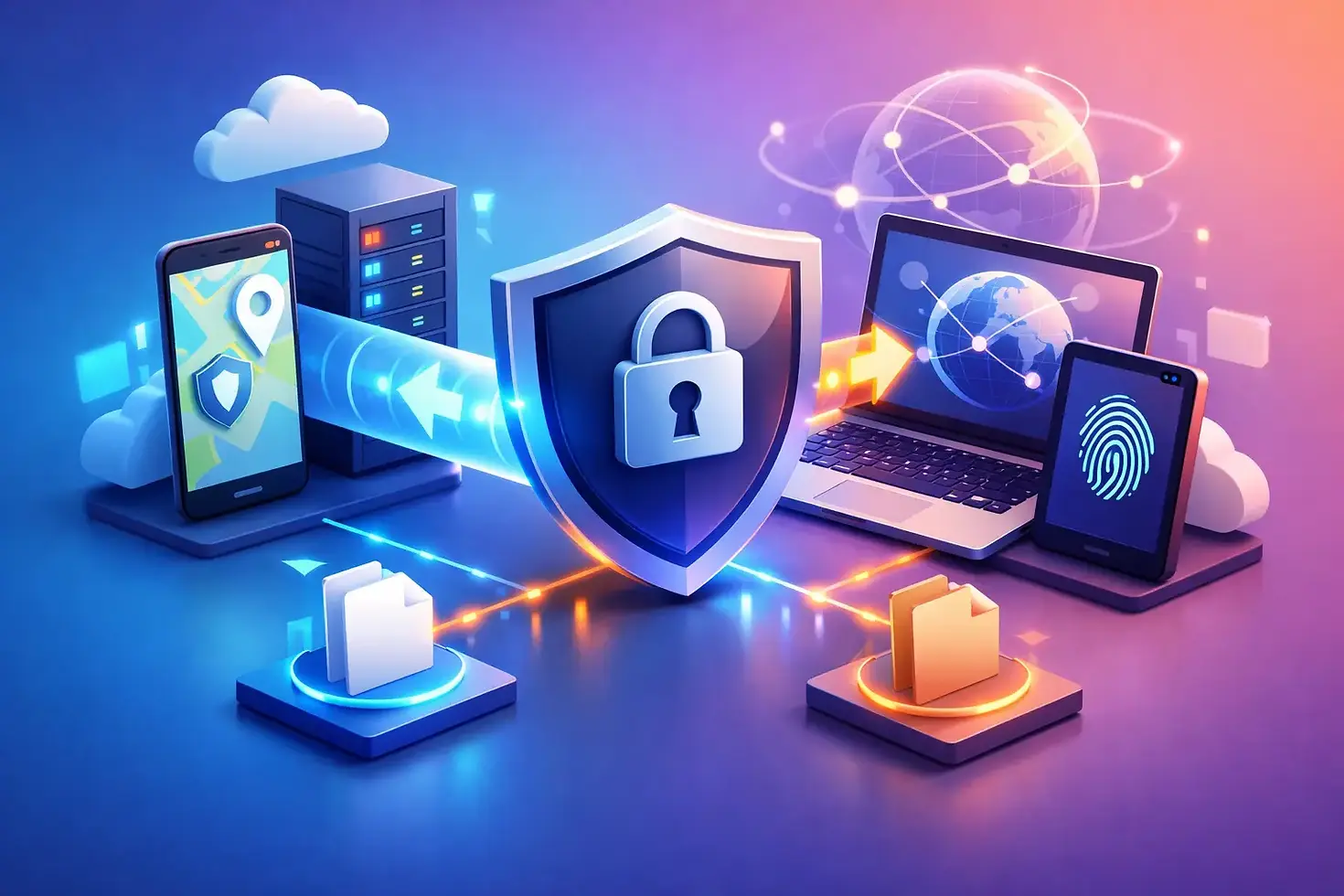
A Clear Guide to VPN Data Sharing

You notice it the moment a plan stops fitting real life. One person needs secure access on a laptop, another needs coverage on a phone, and someone else just wants protected Wi-Fi through a hotspot for a flight, hotel, or coworking space. A real guide to VPN data sharing starts there - not with jargon, but with control. Who gets access, what exactly is being shared, and how do you keep privacy intact while making your VPN more useful?
What VPN data sharing actually means
The phrase gets used loosely, and that is where people get burned. Sometimes VPN data sharing means sharing your VPN connection across devices through a hotspot or router. Sometimes it means sharing account access with another person. In newer models, it can also mean transferring, gifting, or reselling part of a data package you purchased.
Those are not the same thing.
Sharing a protected connection is usually about convenience and coverage. You use one secure connection and extend it to another device, or even to several devices at once. Sharing account credentials is more sensitive because it can affect security, billing, and account ownership. Sharing transferable data is a different model entirely - one built around giving users more control over the data they paid for.
If you treat all three as identical, you miss the trade-offs. If you separate them clearly, you can choose the model that gives you flexibility without creating a security mess.
A practical guide to VPN data sharing for everyday use
Most people do not want a networking lecture. They want protected access that works at home, at work, in airports, in dorms, and on the move. The practical question is simple: what are you trying to share?
If you want multiple devices protected at the same time, a multi-device VPN setup is usually the cleanest option. Each device connects directly under the same account, assuming your plan allows it. That keeps management simple and reduces the risk of one shared connection slowing everything down.
If you want to protect devices that cannot easily run VPN apps, hotspot sharing makes more sense. One device runs the VPN, then shares its internet connection with others. This is useful for tablets, streaming devices, or temporary setups while traveling. It can also be a smart fallback when you need secure access fast and do not want to configure every device individually.
If you want to give someone else part of the service you paid for without handing over your full account, transferable data packages are the strongest model. Instead of sharing your password, you share a defined amount of access. That creates cleaner boundaries. It also gives users more ownership over the value they purchased.
Why people share VPN access in the first place
The old VPN model assumed one user, one account, one fixed pattern of use. Real life is messier.
Remote professionals move between phones, laptops, and public Wi-Fi all day. Students bounce across campus networks, coffee shops, apartments, and travel. Families want security without managing separate subscriptions for every person and device. Travelers need protected access in unfamiliar places where network trust is low and restrictions are high.
Then there is cost efficiency. If someone has paid for a package with more capacity than they need, it makes sense to want flexible use. That could mean sharing coverage with a second device, gifting part of a package to a family member, or using hotspot functionality so one protected connection covers several screens at once.
That demand is not a loophole. It is a user expectation. People want privacy, but they also want freedom and practical control over what they bought.
The biggest risks to watch
VPN data sharing can be smart. It can also go wrong fast when there are no boundaries.
The first risk is account exposure. If sharing means handing over your login, you lose control over where the account is used, who can change settings, and whether your credentials might be reused somewhere else. Even trustworthy people make sloppy security decisions.
The second risk is performance strain. One VPN connection shared across too many devices can create slowdowns, especially during video calls, streaming, downloads, or gaming. Speed depends on the VPN server, your base internet connection, and how the provider handles load balancing. A shared setup is only useful if it stays fast enough to be worth using.
The third risk is privacy confusion. If multiple people use the same account or shared connection, activity separation becomes less clear. That does not automatically mean exposure, but it does mean the setup needs thought. Shared convenience should not erase individual control.
The fourth risk is violating provider rules. Some VPNs allow multiple simultaneous devices but prohibit credential sharing outside one household. Others have tighter limitations on data transfer, hotspot use, or package transfers. If the model is rigid, users end up working around the product instead of benefiting from it.
How to share VPN access without giving up control
Start with the cleanest method available. If your provider supports multiple devices under one account, use that before you share credentials. Direct device support is easier to manage, easier to revoke, and usually better for accountability.
If you need temporary coverage for extra devices, use hotspot sharing rather than exposing your full account. One secure source connection can protect nearby devices without spreading logins around. That is especially useful for travel, short-term work setups, and situations where ease matters.
If your provider offers transferable packages, that is even better for defined sharing. You can give someone access without giving them ownership of everything. That is a stronger model for users who want flexibility with less risk.
You should also keep basic account discipline in place. Use a strong password, enable any available authentication protections, and review active devices regularly. If your VPN makes it hard to see who is connected or to remove a device, that is not a small design flaw. It is a control problem.
When sharing a VPN connection makes sense
There are plenty of cases where VPN sharing is the right move.
A freelancer working from a hotel may want a laptop connected directly while also sharing that protected connection to a tablet. A parent may want secure browsing across several family devices during travel. A student may need one protected connection that covers both study and entertainment devices in a temporary setup. A small remote team may want flexible package use rather than forcing every person into a rigid, oversized plan.
In each case, the value is the same: fewer barriers, more control, and broader protection.
But context matters. If multiple people need long-term, independent use, separate managed access is usually better than one shared login. If one person only needs occasional coverage, hotspot sharing or transferable data is more efficient. The best setup is not the one with the most features. It is the one that matches how people actually connect.
What to look for in a VPN built for sharing
This is where weak providers get exposed. A VPN that talks big about privacy but makes sharing clumsy is not built for modern use.
Look for clear support for multiple devices, stable hotspot functionality, and straightforward controls over active sessions. Speed matters just as much as security because shared access that crawls under pressure will not hold up in work or travel conditions. You also want transparency about what can be shared - accounts, connections, or transferable data packages - and under what limits.
The strongest platforms understand that users want ownership, not just access. That is why models that allow sharing, gifting, or reselling transferable data stand out. They treat your purchase like something you control, not something you rent under rigid restrictions.
That approach is one reason services like BexVPN resonate with people who want more than a locked-down utility. Flexible packages, hotspot functionality, and multi-device protection reflect a simple truth: privacy should move with you, and the value you buy should be yours to use intelligently.
The real standard for VPN data sharing
A good guide to VPN data sharing is not just about whether sharing is possible. It is about whether sharing keeps the thing that mattered in the first place - privacy, speed, and control.
If sharing forces you to expose credentials, accept poor performance, or guess at who has access, it is not freedom. It is friction dressed up as flexibility. The better model is clear boundaries, easy management, and options that fit real life, whether that means direct multi-device use, hotspot protection, or transferable data packages.
The smartest VPN setup is the one that protects your connection without boxing in your choices. If your digital life moves fast, your privacy should keep up.


Comments